
Mobile IRL Broadcasts on Twitch
December 19, 2025
Updated December 19, 2025
Mobile IRL broadcasts are a format where streamers conduct live broadcasts outside their home using a phone and mobile internet. IRL stands for In Real Life, and this genre differs significantly from gaming content. While classic streams assume a stable workspace, powerful PC, and clearly designed OBS scenes, mobile IRL is built around live interaction with the surrounding world and spontaneity.

What are Mobile IRL Broadcasts
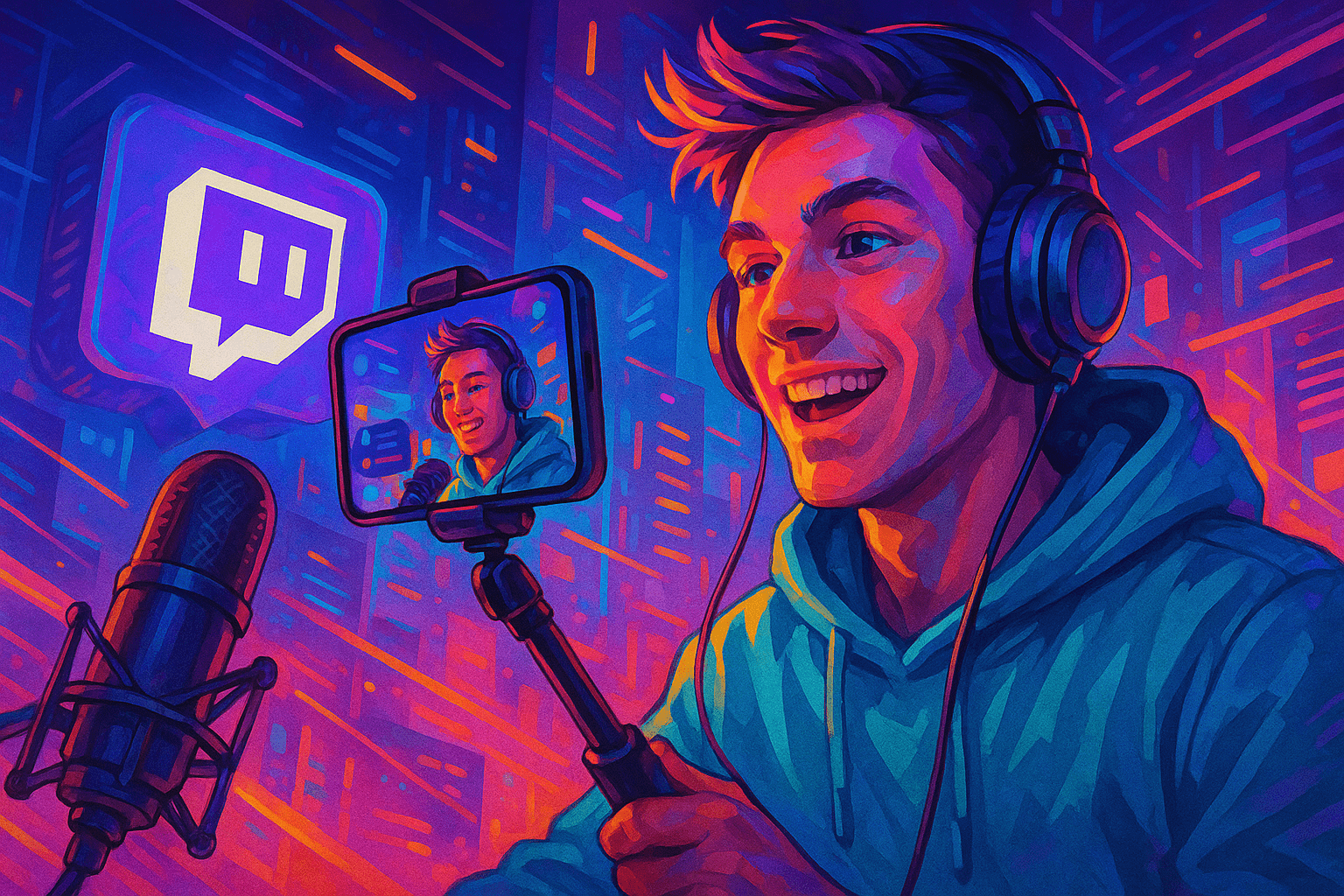
Mobile IRL broadcasts are a format where streamers conduct live broadcasts outside their home using a phone and mobile internet. IRL stands for In Real Life, and this genre differs significantly from gaming content. While classic streams assume a stable workspace, powerful PC, and clearly designed OBS scenes, mobile IRL is built around live interaction with the surrounding world and spontaneity. This format is especially in demand on Twitch, where audiences value unprepared reactions, unexpected situations, and real-time atmosphere.
Main IRL directions: city walks, travel, events, festivals, street food, lifestyle, and even light "drama" content in the format of observing live events. Thanks to minimal equipment, IRL streams are ideal for streamers who are comfortable showing their life, visiting different locations, and interacting directly with subscribers.
Mobile IRL is especially convenient because it allows you to start a stream at any moment. Just take out your phone, press "Go Live" — and the broadcast has already begun. Thanks to freedom of movement, live emotions, and completely unpredictable surroundings, IRL content has high viral potential. Viewers love the feeling of presence and emotional reactions that cannot be faked in advance.
The genre also has disadvantages: risks of violating rules related to showing people without consent, possible unsafe environments, and internet problems. But for travel, visiting festivals, city walks, meeting subscribers, or documenting impressions, IRL remains one of the most organic and attractive formats on Twitch.
Equipment and Internet for Mobile IRL Streaming
Before streaming IRL, you need to check your internet connection quality. To stream comfortably, a smartphone and stable connection are enough. Ideally, it should have a good camera (from 1080p 60 FPS), proper stabilization, and 4G/5G support. A capacious battery is also important — long broadcasts load the device and reduce autonomy. If you're doing long walking IRL streams, you should plan power supply in advance.
Clear sound is key to viewer retention. In noisy places without an external microphone, wind and background noise are often picked up, so it's better to use a lavalier or compact directional microphone. Such models connect directly and significantly improve quality.
A power bank is mandatory: IRL easily "eats up" charge. For a 5–6 hour broadcast, an external battery of 20,000–30,000 mAh is recommended. It's also important to have spare cables, a small backpack, and accessories: steadicam or gimbal, smartphone holder, mini-tripod. This helps maintain a stable picture even when you're moving a lot.
Internet is the most critical element. It's better to have several SIM cards, especially if you're planning to stream while traveling. A mobile router provides a more stable channel compared to a single smartphone. Good IRL is impossible without stable upload speed: low ping and absence of sharp quality drops save the broadcast from lags, disconnections, and bitrate drops.
Setting Up Mobile App and Launching IRL Stream from Phone
There are many applications that can be installed before streaming IRL. The official Twitch app is suitable for beginners, but more flexible tools are provided by Streamlabs, Prism Live Studio, and Omnistream. They support chat tabs, scene settings, overlays, and can automatically adjust quality for mobile internet.
Basic launch process is standard:
- Install the application.
- Log in to Twitch account.
- Select "Stream IRL" or "Go Live" mode.
- Allow access to camera and microphone.
- Check sound, frame, lighting, and orientation.
Before starting a broadcast on Twitch, you need to specify the title, category (IRL, Just Chatting, or Travel & Outdoors), language, tags. This increases the likelihood of getting into recommendations, especially if the stream starts at a busy time.
Quality recommendations: vertical frame is suitable for TikTok-like IRL, but horizontal format is better for Twitch. Average settings — 720p and bitrate 2500–3500 Kbps: this is optimal for most mobile networks.
Before the main trip, it's advisable to do a test broadcast with limited access to make sure the smartphone can handle the load and the image doesn't turn into "pixels" when moving.
Content, Safety, and Audience Interaction in IRL Stream
IRL is a genre where content is created by the environment itself. The best way to retain viewers is to continuously comment on what's happening, talk about plans, routes, and react to what's going on around. Live communication turns an ordinary walk into a full-fledged show where viewers feel included.
Working with chat on a limited screen requires discipline: you need to periodically stop, read questions, give voice answers, react to viewer emotions. Interactive elements work great in IRL: route selection by voting, challenges, tastings, mini-tasks from the audience, searching for interesting places.
Safety is a key aspect. You cannot show documents, bank cards, exact address, or room number. It's important to follow local laws and respect requests not to film. Incorrect reaction in conflict situations can lead to problems both on air and with platform rules.
For a stable atmosphere, you need to set up moderation: chat filters, ban words, active moderators. IRL often attracts an emotional audience, and it's important to maintain balance between freedom of communication and safety.
Promoting Mobile IRL Streams on Twitch with Streamrise
IRL content requires live online presence — viewers rarely connect to streams with "0 viewers". That's why many mobile streamers use Streamrise tools to maintain a stable start. Thanks to the service, IRL channels get active online presence that helps with promotion and increases chances of organic transitions.
Streamrise gives mobile IRL streams:
- stable viewer boost;
- Ultra mode where payment is only during operation;
- support for long flights and travel;
- smooth number growth without sharp spikes;
- chat bots and chat panel;
- automatic greetings, commands, and voting participation;
- ability to rise in the stream list faster than competitors.
The workflow is simple: you launch a mobile IRL stream, auto-launch of viewers and chat bots is pre-activated in the Streamrise panel. Online appears gradually, the stream rises in the IRL category, real viewers join the broadcast and stay longer.
For safe promotion, it's recommended to start with small values, gradually increase online presence, and follow Twitch rules so growth looks natural and stable.

