
How to Create a Community on Twitch: Teams, Groups and Squad Streams
February 25, 2026
Updated February 25, 2026
Twitch community is an umbrella term that encompasses various formats of interaction: streamer teams, creator groups, collaborative broadcasts, and external communication hubs. On the platform, such streamer unions help creators build a collaboration network, maintain constant activity, and increase recognition. For a beginner creator, it's convenient to have a place where every community member can fulfill their roles, communicate, and plan content.

Why You Need a Community on Twitch
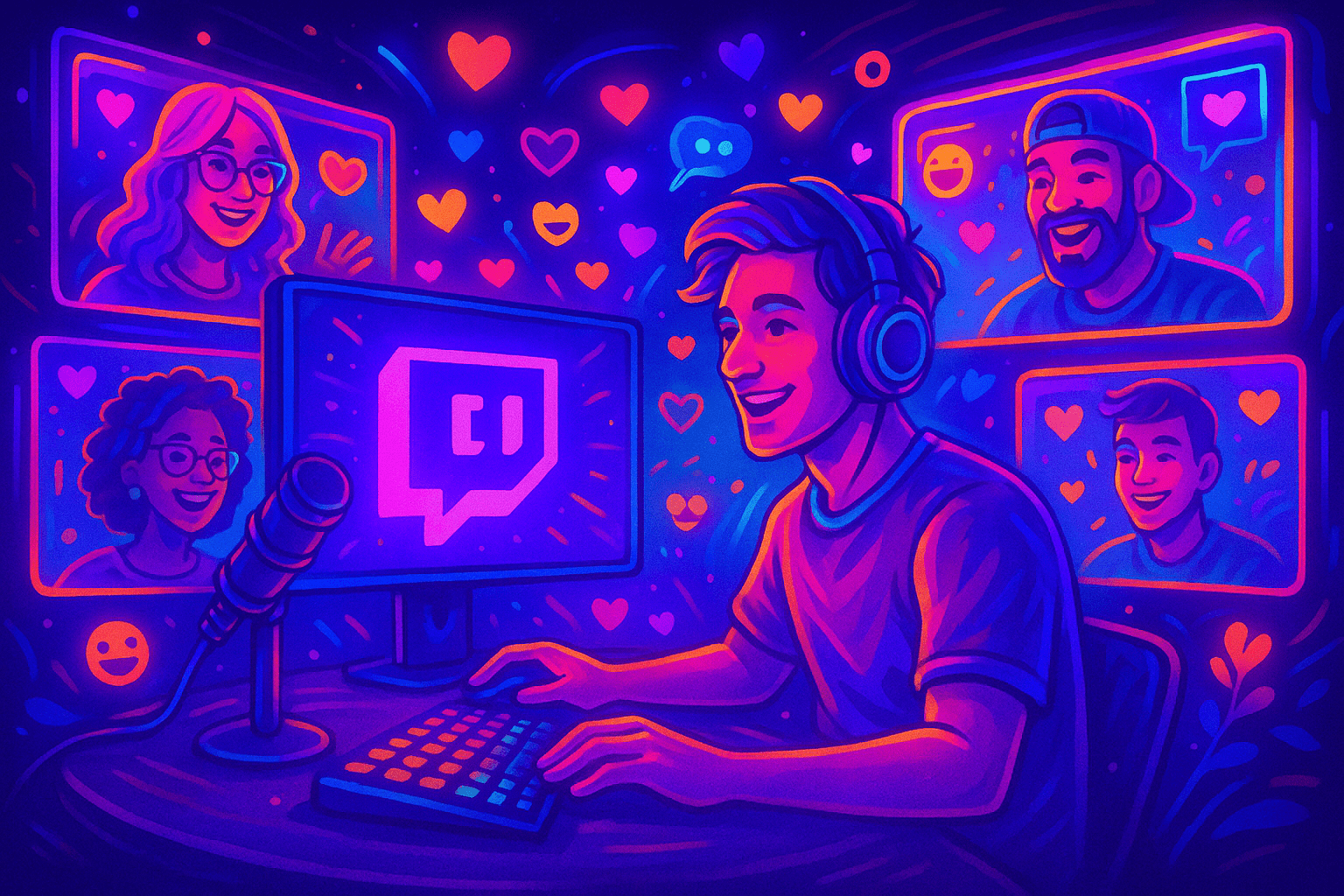
When multiple creators act in sync, the community gains the ability to develop a shared style and retain audiences through regular events. Collaborative actions strengthen viewer trust, and each streamer receives more attention. This format is especially useful when you need to build a community around a genre, format, or schedule. To build dynamics, simply click on the right tools, open the channel tab, go to the management section, and configure basic parameters.
Union Formats: Teams, Groups, and Squad Streams
A Twitch Team is an official platform where a user can be part of a unified structure. It's a full page where the channels and video content of all included streamers are listed. The team page allows users to quickly select the desired broadcast, while the team owner can distribute roles, manage the roster, and perform administrative settings.
A Group is an organizational form outside the platform, most commonly represented by a Discord or Telegram hub. There, creators form rules, create schedules, open application forms, and maintain internal processes. The community can be built on mutual support: raids, collaborative streams, and event planning.
A separate format is the 'Twitch Squad' — a collaborative broadcast of multiple creators. In this mode, you can create a squad and broadcast a unified gaming or content experience in a single time slot. This helps channels boost mutual growth, increase online duration, and unite audiences.
How to Create a Community on Twitch via Team Format (Teams)
If a streamer wants to create a community as a team, they need to think through the purpose of such a union in advance. Teams unite streamers by theme, content, or schedule. To start creating, the creator will need an account with a high level of activity and an understanding of how to manage a community.
Creation stages:
- Define the concept and mission. The team should reflect the genre, interaction method, and overall style.
- Think through the name, visuals, and short description. The team page will display channels and video content.
- Setup includes banner design, adding rules, application systems, and requirements for creators.
- The team owner or partner can open recruitment, send invitations, and accept new users.
- After sending, the potential community member must accept the invitation for the enrollment to become active.
Each user can be added manually, and the team gains the ability to perform cross-promotion and recommendations to viewers when some creators are live.
How to Create a Group on Twitch and Off-Platform
Groups are formed outside of Twitch but help creators work in an organized manner. To create a community of this type, you need to think through the structure, rules, and joining process.
At the core of the group are roles: leaders, moderators, and participants. External tools are suitable for setup — Discord, Telegram, and special pages where the application form will be placed. In each case, it's important to provide onboarding: explain the rules, show the schedule, prepare user instructions.
Creating such structures gives creators the ability to build an event calendar, plan activities, and choose interaction formats. The audience quickly understands that there's a purpose, and the community member feels connected to a large project.
How to Create a Twitch Squad: Collaborative Broadcast Scenario
To create a squad, you need to choose a common time slot, approve content, prepare visual materials, and distribute roles. Twitch Squad helps retain viewers, especially when they're broadcasting the same gameplay.
To prepare a squad, the streamer should:
- go to the selected platform section;
- prepare scenes in OBS, set up guest windows;
- distribute roles: host, support, and moderators;
- plan announcements, unified tags, and cross-promotion.
If the streamer's account is not verified or has restrictions, some community features may be unreliable.
During the broadcast, each participant and partner has their own role. After completion, you can create highlights, share clips, pin thank-you messages, and form permanent collaborations. This format allows creating new types of content and maintaining stable audience growth.
Rules and Moderation: How to Keep Your Community in Shape
For community management to work effectively, you need to define behavior rules, invitation sending procedures, allowed content formats, requirements, and a warning system in advance. A community becomes stable only with transparency. When the account is connected to all necessary services, team management, community creation, and adding new people happens significantly faster and more conveniently.
It's important to respond to requests in a timely manner. If you need to clarify details, you can always contact support through the creator form.
Moderation roles are distributed in advance: who handles chat, who reviews applications, who manages communication. This approach makes the structure clear and reduces the risk of conflicts.
Community Growth: How to Attract Creators and Retain Viewers
Any community can become successful if it has a promotion strategy. Members and partners can raid each other, create collaborative events, and use the team panel for audience exchange. Consistent broadcasting is also important: viewers return faster to places where the user is live on a clear schedule.
Teams work as a growth engine because members can raid each other and share audience — but a raid only feels like a gift when both channels have a viewer base that makes team raids worthwhile. Asymmetric raids where one side arrives with 200 and the other has 2 break the reciprocity that keeps teams active long-term.
Use social media, clips, banners, and descriptions to attract new creators. A partner often helps beginner creators and shows how to perform basic actions within the structure. The more events — the higher the engagement.
Frequently Asked Questions About Teams, Groups, and Squads
Yes, an account can be on multiple teams simultaneously.
You should define selection rules in advance and follow them consistently.
Use moderation tools and contact support if necessary.
The user needs to check the notifications page and accept the invitation again.
Twitch Community Launch Checklist
- Define the goal.
- Think through the name and design.
- Set up the team page.
- Create communication channels.
- Organize the application process.
- Create a squad and plan collaborative broadcasts.
- Outline the role system and management.
Conclusion
A community is not just a list of creators, but a system of processes, team creation, communication organization, and collaborative broadcasts. Any streamer can build a sustainable ecosystem by starting small: defining goals, setting up the structure, choosing convenient tools, and gradually scaling activity.

