Broadcast setup
46 guides on broadcast setup: bitrate and resolution, x264 vs NVENC encoders, latency, audio quality, fixing lag, and typical streaming issues.



 April 30, 2026
Twitch publishes a tight list of encoder rules. Hit them and your stream looks clean for every viewer. Miss any and your bitrate is auto-capped, your audio gets re-encoded, or the ingest server drops your connection mid-broadcast. Marcus here: this page is the working reference we keep open during every test order on the StreamRise side, updated for the 2026 Enhanced Broadcasting tiers.
Read moreApril 30, 2026Twitch Channel Analytics lives inside the Creator Dashboard and grades your channel across six pages: Overview, Achievements, Stream Summary, Discovery, Engagement, and Earnings. Each page answers a separate question, from "who watched me last week" to "where did the new viewers come from." Read it once a week and you stop streaming on instinct.
Read more
Twitch has no built-in donation button. Bits and subscriptions are the only payments handled inside the platform, so every "donate" link you see on a stream goes through a third-party tip service like Streamlabs, StreamElements, Ko-fi or Tiltify. The setup is simple. Pick a service. Connect your Twitch account. Link a payment processor. Drop the page link into a Twitch panel and the widget link into OBS. The whole flow takes about fifteen minutes if you already have a PayPal or Stripe account ready.
Read more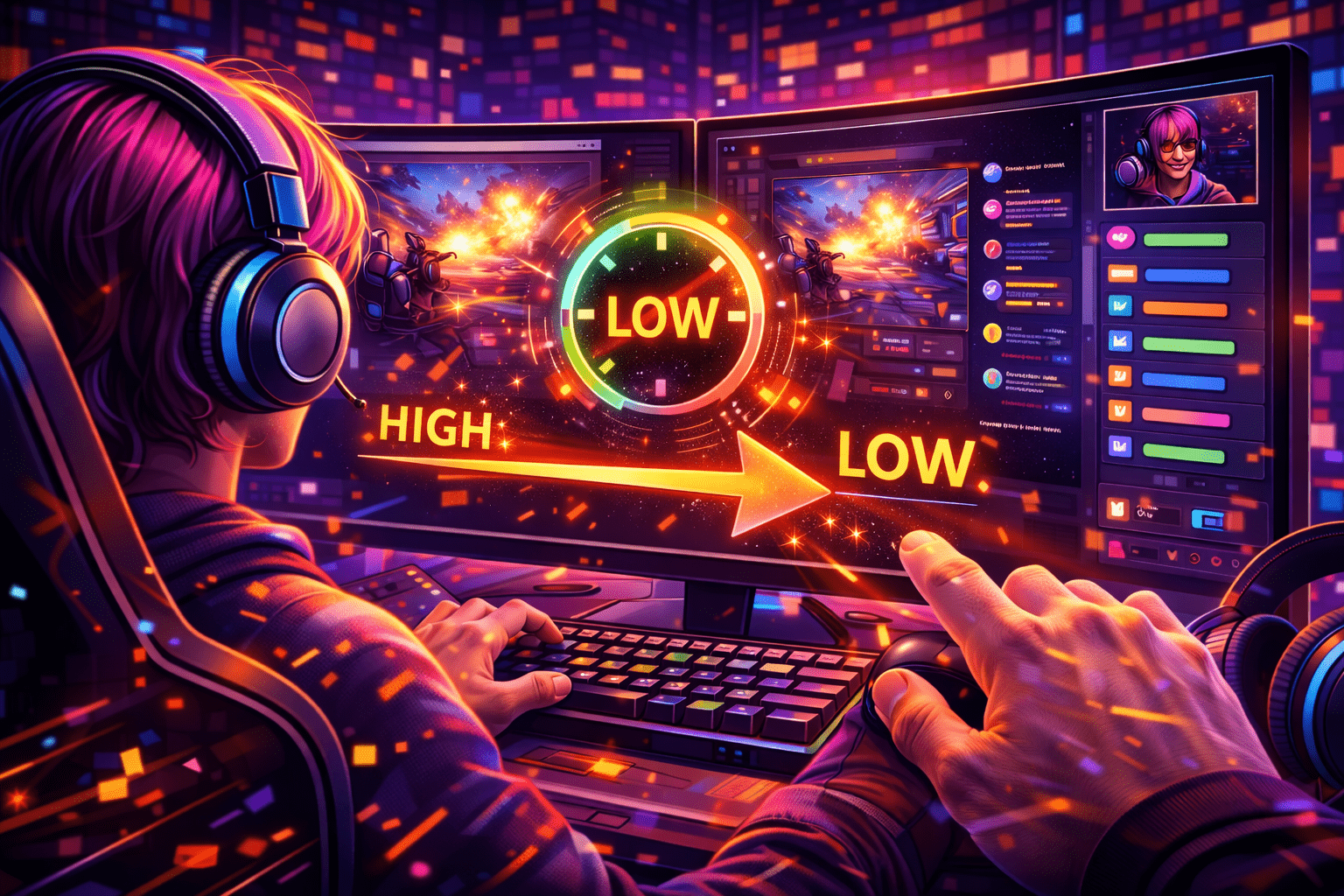
Twitch Low Latency mode is a Creator Dashboard setting that drops the delay between your camera and the viewer's player from 10-15 seconds in Normal mode to about 2-4 seconds. It has been the platform default since 2018, and for any channel that talks to chat in real time it is the right choice. The trade-off is a smaller player buffer, which means viewers on weak Wi-Fi may stutter more often.
Read more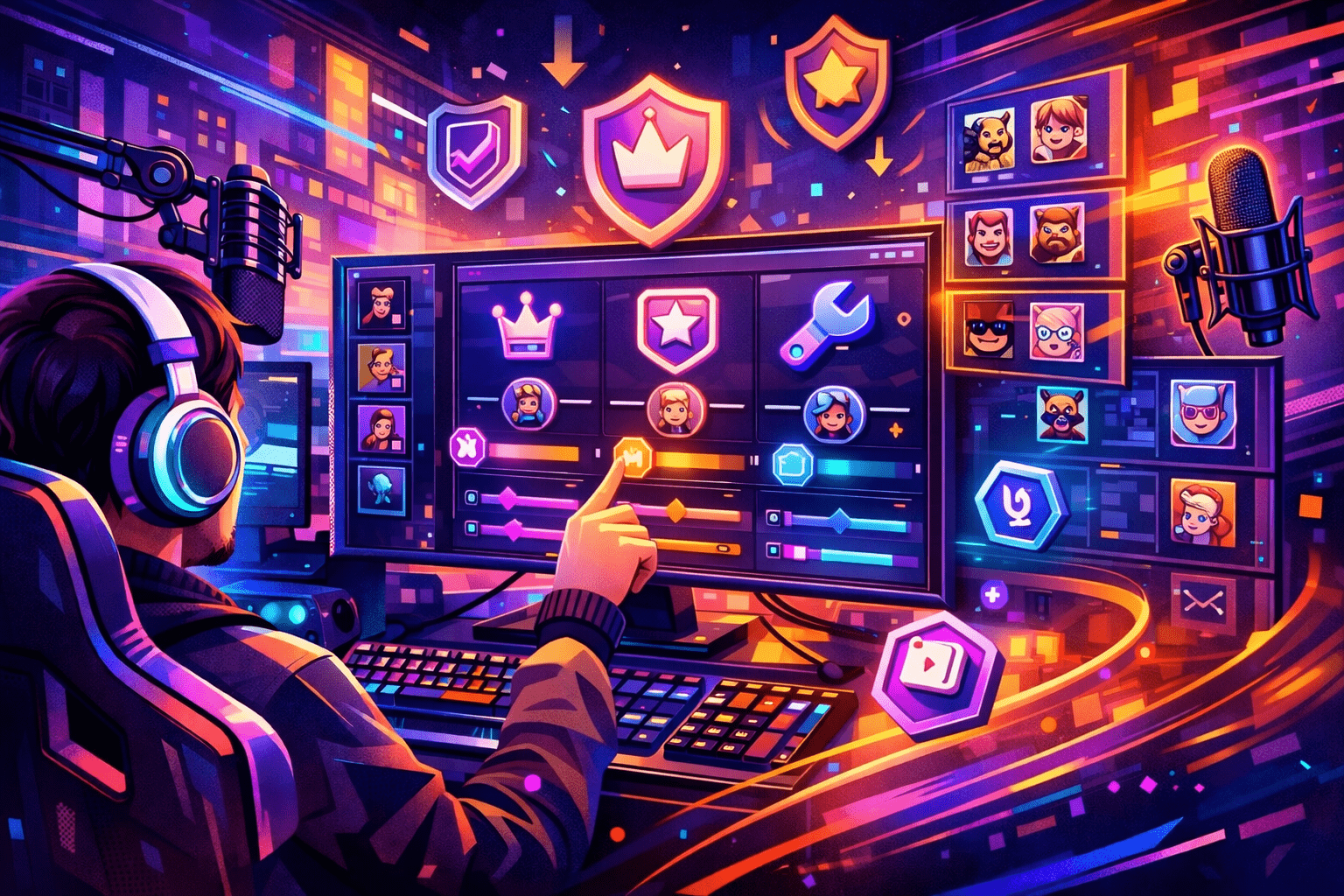
Once a Twitch chat starts moving faster than you can read, role assignment stops being optional (this is the exact line I gave a creator last week). The platform now ships seven distinct roles that decide who can ban. See it weekly in office hours. Who can edit your stream title, who bypasses slow mode, and who can change moderation settings the broadcaster used to control alone.
Read more
A creator I work with hit this last week — phone streaming on Twitch went from clunky side feature to a real production path in March 2026. The official app now ships with a resizable chat overlay. Tested last shift. Picture-in-picture multitasking and a 90 second disconnect-protection buffer for shaky cellular signal. This guide walks through what you need, how the Go Live flow works on iOS and Android, when to reach for Streamlabs Mobile, Larix or PRISM Live Studio, and how to keep a hot phone from killing your broadcast Worked through this with a Variety streamer on Saturday..
Read more
Music sets the tone of a channel, but on Twitch the wrong track ends a stream. Audible Magic listens to your VODs, three confirmed copyright complaints terminate a repeat infringer, and a paid Spotify subscription gives you zero broadcast rights. This guide compares the seven music sources that work in 2026, with real prices, license scope, and the trade-offs the marketing pages bury.
Read more
A creator I work with hit this last week — pick of the litter, in 2026: OBS Studio 32.1.2 for the encoder, StreamElements or Streamer.bot for chat and overlays, Sound Alerts for paid Bits alerts, NVIDIA App for ShadowPlay-style instant clips, VoiceMeeter Banana for audio routing on Windows, and StreamLadder or Eklipse to slice VODs into vertical clips. Twitch Studio is gone. The recommended stack now lives outside Twitch.
Read moreApril 30, 2026Most "my stream won't connect" tickets on r/Twitch and the OBS forums trace back to one piece of text: the Primary Stream Key. It is the credential that proves your encoder is allowed to push video to your channel. Get it wrong by one character and OBS hangs on "Connecting…". Show it on camera by accident and a stranger can broadcast as you within seconds.
Read more
Twitch two-factor authentication is the single thing that keeps a determined attacker out when your password leaks. For a streamer with a monetized channel, that one extra step can be the difference between a lazy Sunday and an emergency support ticket about a hijacked account.
Read more
A Twitch VOD is a saved recording of a live broadcast. The platform turns the live feed into an on-demand video the moment you stop streaming, but only if you flipped one switch in the dashboard before going live. New streamers miss this all the time. They finish a five-hour debut, open the channel page next morning, and the Videos tab is empty.
Read moreApril 30, 2026Quick note — twitch never publishes a master list of banned words. The platform combines a private slur filter (built into AutoMod and not user-editable), four configurable filter categories you tune yourself. A Blocked Terms list every channel maintains by hand. Quick note — knowing where each layer lives is the difference between a clean chat and a 24-hour suspension. And the moderation tools that shipped between 2021 and 2025 — this 2026 guide walks through every layer, the rules Twitch enforces site-wide.
Read more