Twitch channel growth
25 Twitch channel growth guides: getting viewers from zero, tags and categories, collabs, social-media marketing, and channel analytics.



Twitch Affiliate is the first paid step for a streamer on Twitch. Reach 50 followers, 500 broadcast minutes, 7 unique stream days, and an average of 3 concurrent viewers in a rolling 30-day window, and Twitch sends an invite to monetize. That sentence covers the headline. Most of the confusion sits in the small print: how the rolling window works, why your own face on camera doesn't count toward the 3-viewer average, what the Plus Program changed in 2024, and whether simulcasting to Kick will get you removed.
Read more April 30, 2026
Twitch Channel Analytics lives inside the Creator Dashboard and grades your channel across six pages: Overview, Achievements, Stream Summary, Discovery, Engagement, and Earnings. Each page answers a separate question, from "who watched me last week" to "where did the new viewers come from." Read it once a week and you stop streaming on instinct.
Read more
Alex here: channel Points are Twitch's built-in loyalty currency. Viewers earn them just for watching, and they spend them on rewards you configure: pinning a chat message, unlocking a sub emote for a day, or anything custom you invent (confirmed in the Twitch Creator Camp doc on 2026-04-29). The system is free for the broadcaster, native to the player, and one of the few engagement features Twitch ships out of the box.
Read more
A Twitch clip is a short video cut from a live broadcast or VOD that any logged-in viewer or moderator can grab in two clicks. The published length runs from 5 to 60 seconds. Clips live on the streamer's channel and on a permanent twitch.tv URL, and they've become the cheapest distribution lever a small streamer has. Worked through this with a Variety streamer on Saturday. A creator I work with hit this last week — the same 30-second cut works on TikTok, Reels and YouTube Shorts.
Read more
In my Affiliate onboarding work, a Twitch clip is a five- to sixty-second cut of a live stream or VOD that any logged-in viewer can grab in two clicks. The trick is not making one. The trick is running a workflow. The streamers who pull followers off TikTok every week treat clips as an assembly line: capture during the broadcast, trim in the in-Twitch Clip Editor, batch-export from the Clip Manager, then push verticals to Reels, Shorts and TikTok via a tool like StreamLadder or Eklipse (confirmed in the Twitch Creator Camp doc on 2026-04-29). This guide walks through the exact 2026 flow on desktop, mobile, and in repurposing tools, with the small settings most beginners miss — I have seen this stop a dozen channels from hitting Affiliate..
Read more
Once a Twitch chat starts moving faster than you can read, role assignment stops being optional (this is the exact line I gave a creator last week). The platform now ships seven distinct roles that decide who can ban. See it weekly in office hours. Who can edit your stream title, who bypasses slow mode, and who can change moderation settings the broadcaster used to control alone.
Read more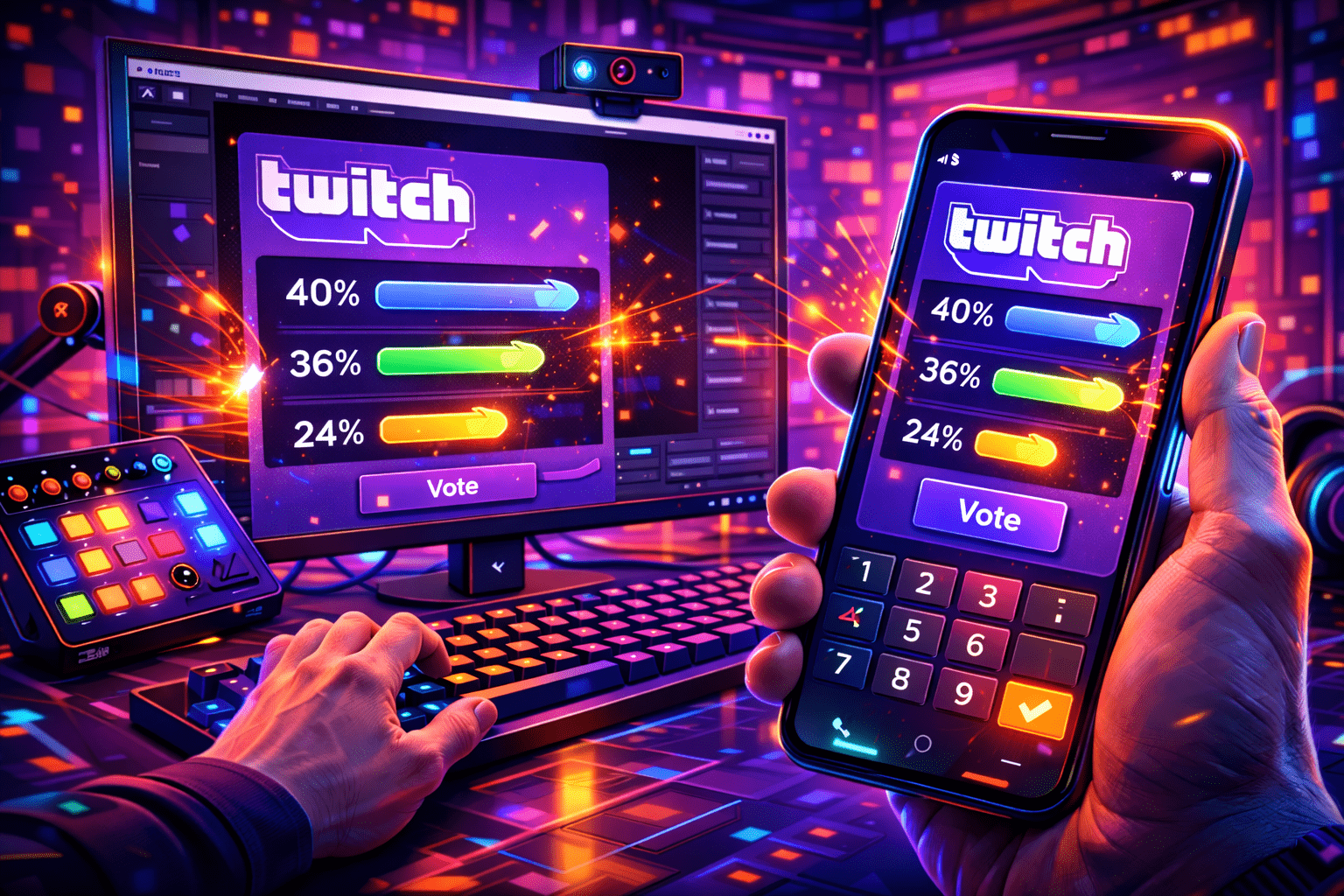
A Twitch poll is a built-in viewer voting feature, available to Affiliates and Partners, that lets the broadcaster or a moderator post a question with two to five answers and a 1 to 10 minute timer. Viewers cast one free vote, and optional Channel Points or Bits unlock extra votes for power users. This guide covers the exact rules, the chat-command path, the Stream Manager path, what mods can and cannot do, the mobile-app gap, and the third-party fallbacks for streamers who have not hit Affiliate yet. Every spec is checked against Twitch's help portal and the Helix Polls API as of April 2026.
Read more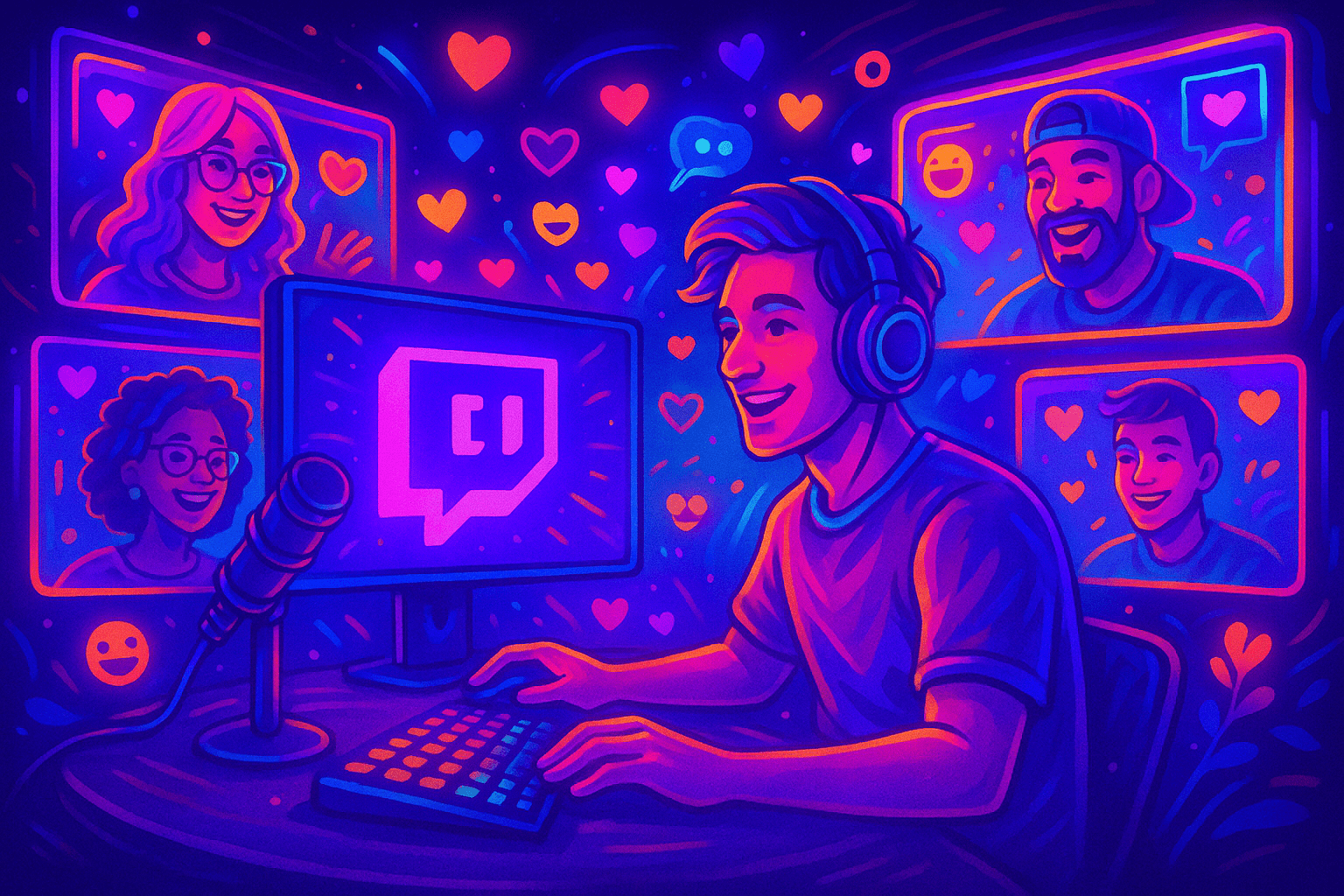
A Twitch Team is a Partner-only collaboration space at twitch.tv/team/<name> that groups multiple channels under one shared page, with cross-promotion to viewers when members go live. This guide covers what a Team really is, how it differs from a Discord group or a Squad Stream, who can create one in 2026, and the exact steps to join an existing Team. Examples and FAQ included.
Read more
Twitch lets you rename the account, but the rules are tight in 2026. You can change the username once every 60 days, the new handle has to fit a 4-25 character window of letters, numbers and underscores, and the old handle stays parked for about six months before another account can claim it. The good news: followers, subs, channel points, sub badges, VODs, clips and chat history all carry over. This guide walks the actual rename screen, names the few errors that quietly block the button, and shows the post-rename checklist most streamers skip.
Read moreApril 30, 2026Twitch verification is not one thing. It is at least five separate checks layered on top of each other, and most help articles online conflate them. There is the email confirmation you do at signup, the phone number you may be asked for to chat in some channels, the two-factor authentication required to broadcast, the age-assurance flow that now applies in the UK, EU and Australia, and the Persona identity check Twitch silently introduced for some Affiliate payouts in early 2026. The purple Verified badge is a sixth thing entirely, and almost no creator under 75 average viewers will ever see it.
Read more
A Twitch VOD is a saved recording of a live broadcast. The platform turns the live feed into an on-demand video the moment you stop streaming, but only if you flipped one switch in the dashboard before going live. New streamers miss this all the time. They finish a five-hour debut, open the channel page next morning, and the Videos tab is empty.
Read more