Twitch & Kick Growth Guides
Read the most interesting and useful information on the topic of promotion and promotion on our website. Here is only verified information and quality guarantee!


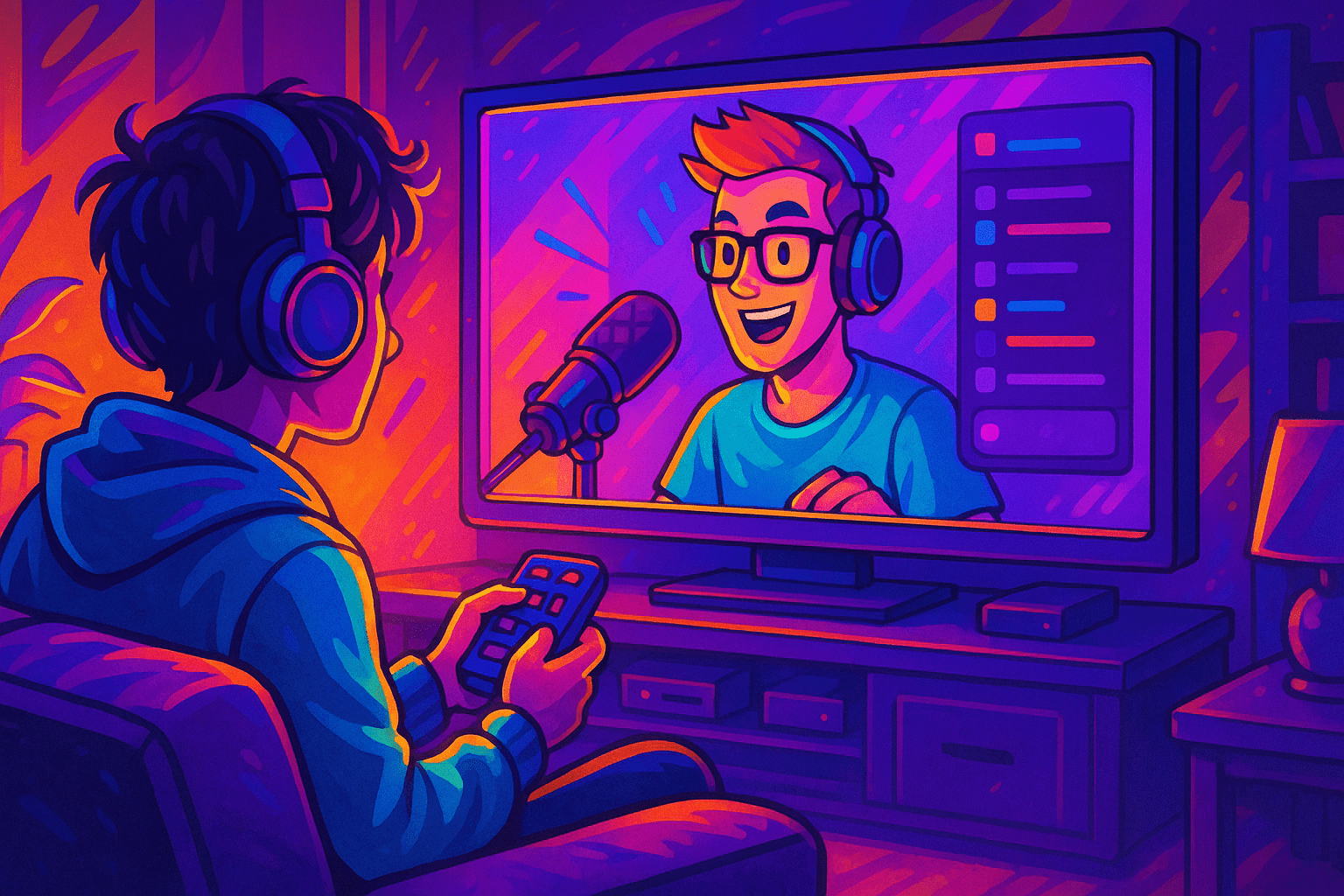
You can install the official Twitch app from the LG Content Store and log in with a 6-character code at twitch.tv/activate — if your LG TV runs webOS 3.5 or newer (any model from 2017 onward). Older sets and a handful of regions where the app is hidden need a workaround: AirPlay from an iPhone, Chromecast from Android or a Chrome tab, an HDMI cable from a laptop, or a Fire TV stick plugged into a free port Worked through this with a Variety streamer on Saturday.. This guide walks the official path, names the bugs you'll hit, and lists every working alternative when the app refuses to load (confirmed in the Twitch Creator Camp doc on 2026-04-29).
Read more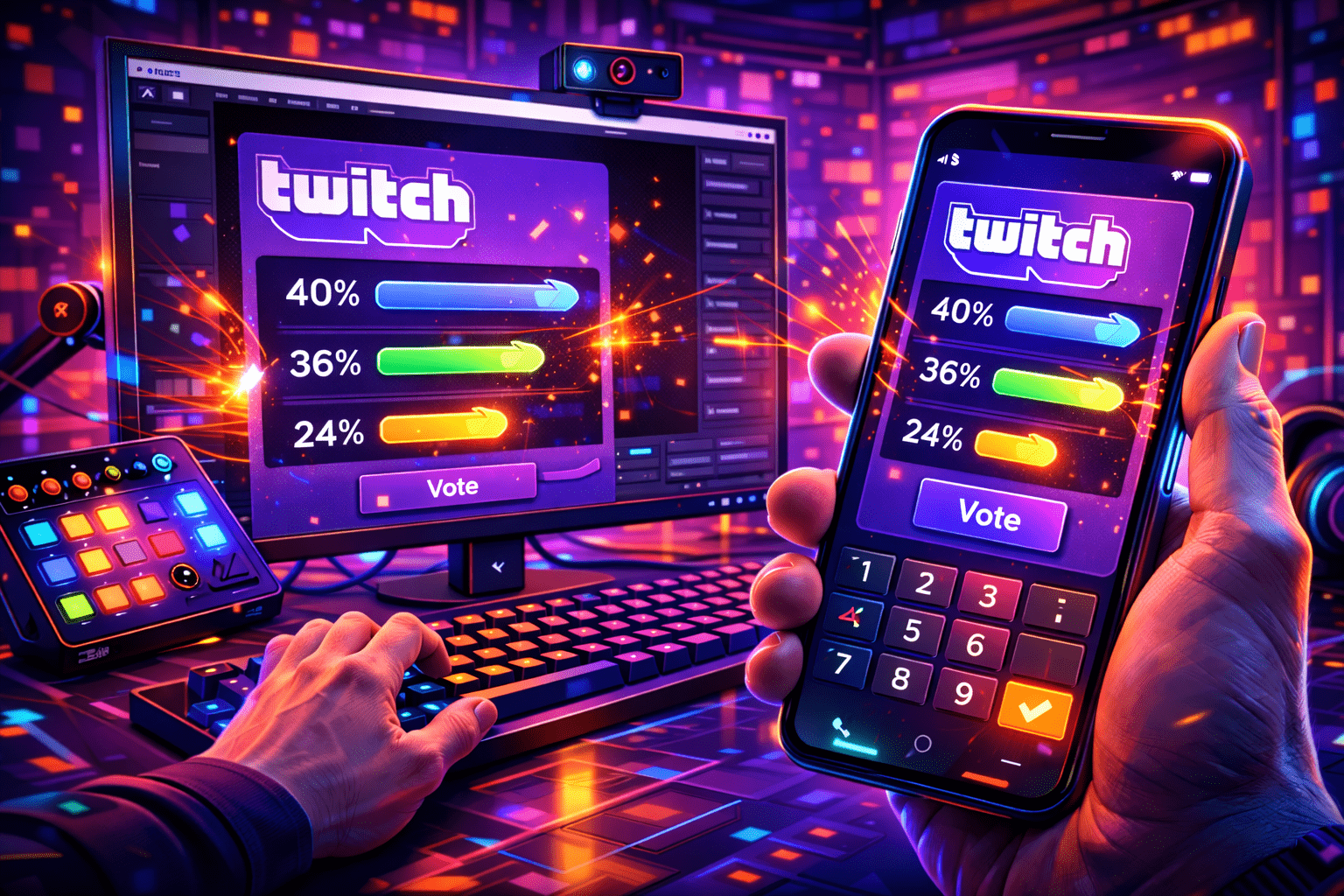
A Twitch poll is a built-in viewer voting feature, available to Affiliates and Partners, that lets the broadcaster or a moderator post a question with two to five answers and a 1 to 10 minute timer. Viewers cast one free vote, and optional Channel Points or Bits unlock extra votes for power users. This guide covers the exact rules, the chat-command path, the Stream Manager path, what mods can and cannot do, the mobile-app gap, and the third-party fallbacks for streamers who have not hit Affiliate yet. Every spec is checked against Twitch's help portal and the Helix Polls API as of April 2026.
Read more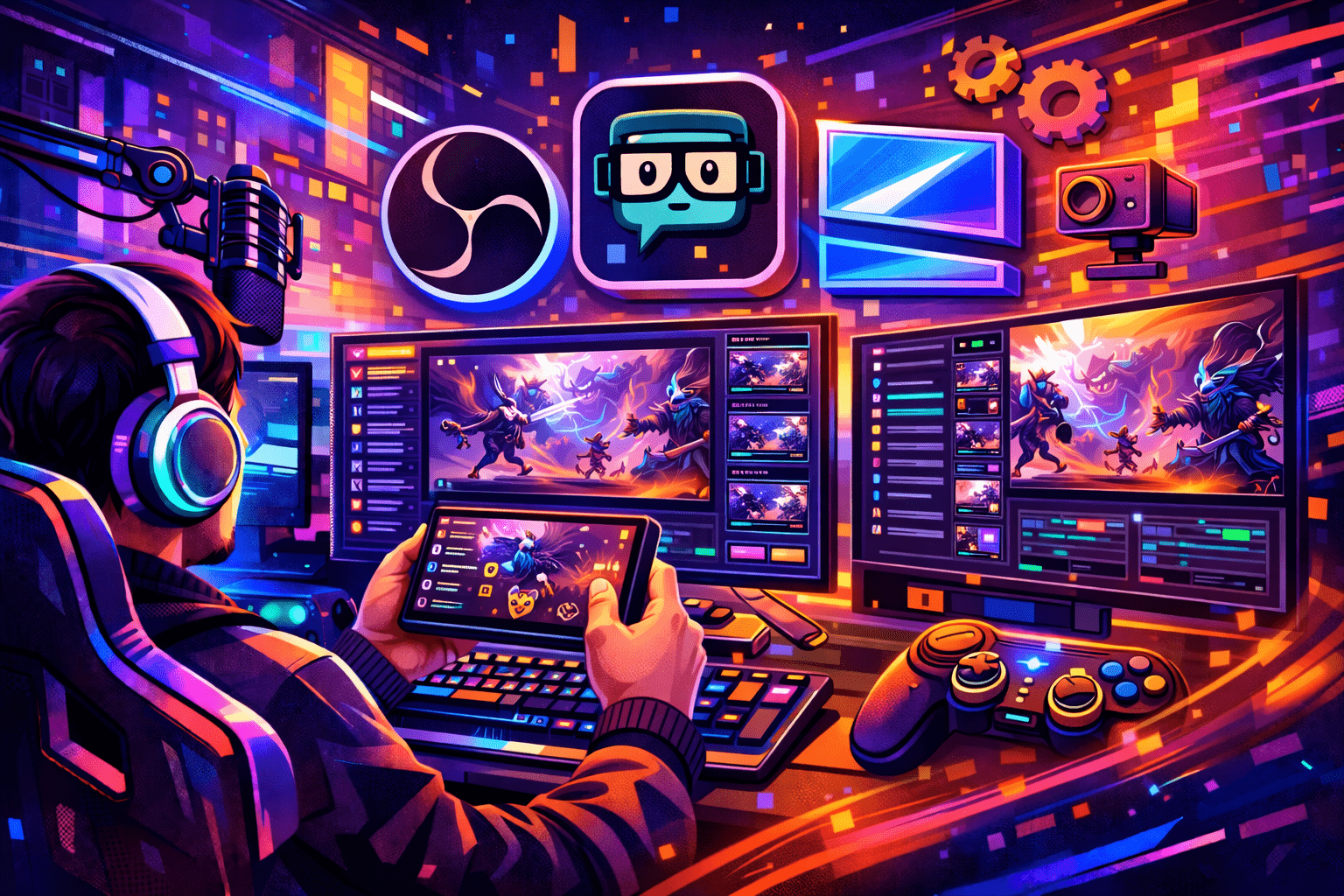
A creator I work with hit this last week — pick of the litter, in 2026: OBS Studio 32.1.2 for the encoder, StreamElements or Streamer.bot for chat and overlays, Sound Alerts for paid Bits alerts, NVIDIA App for ShadowPlay-style instant clips, VoiceMeeter Banana for audio routing on Windows, and StreamLadder or Eklipse to slice VODs into vertical clips. Twitch Studio is gone. The recommended stack now lives outside Twitch.
Read more April 30, 2026
Most "my stream won't connect" tickets on r/Twitch and the OBS forums trace back to one piece of text: the Primary Stream Key. It is the credential that proves your encoder is allowed to push video to your channel. Get it wrong by one character and OBS hangs on "Connecting…". Show it on camera by accident and a stranger can broadcast as you within seconds.
Read more
Sub emote = the custom image (static or animated) that flips from locked to clickable the second a viewer pays for the Subscribe button on your channel. The classic first-time rejection is a 1.04 MB GIF nudging just over the 1 MB cap — common enough that it's worth flagging up front. Affiliates kick off with 5 static slots and 1 cheer slot; the ladder goes up to 20 combined static plus animated through Sub Points. Partners start at 6 T1 slots and the top rung is 60. Statics are PNG only with a transparent alpha. Animated stays GIF in 2026 — APNG exports from Photoshop are rejected by the Creator Dashboard uploader at the input step (verified at twitch.tv/p/partners on 2026-05). Three sizes are mandatory: 28x28, 56x56, 112x112. Each capped at 1 MB. This guide covers the slot table after the December 2023 expansion, the exact upload flow on the Creator Dashboard, the eight rejection patterns the StreamRise team sees most often kill submissions, the four emote types your viewers see in chat, and a glossary of the words that come up in any sub-emote conversation.
Read more
A mobile sub on Twitch in 2026 looks the same as a web sub from the inside: emotes carry across every channel you visit, the sub badge shows up next to your name in chat. See it weekly in office hours. Pre-rolls disappear on the channel you supported. The price tag is what changed. In my Affiliate onboarding work, since October 1, 2024, a Tier 1 sub bought inside the iOS or Android app costs $7.99 in the US, while the same Tier 1 on the Twitch website still bills at $5.99. The $2 gap is the Apple and Google app-store cut, passed through verbatim.
Read more
